GCLID Explained: What It Is and How to Capture It on Forms
GCLID explained: what the Google click ID is, how to capture it in a hidden lead form field, why it goes missing, and how to keep it through lead routing.

Rafael Hernandez
Founder & CEO
Ex-Microsoft SWE · $10M+ PPL ad spend
I hope you enjoy reading this blog post. If you want to try Lead Distro AI for free, click here.
Author: Rafael Hernandez | Founder & CEO of Lead Distro AI
A GCLID (Google Click Identifier) is a code Google Ads adds to your landing page URL when someone clicks your ad, shown as ?gclid=123xyz. It tells Google exactly which click produced a visit, so a later conversion can be credited to the right campaign, ad group, and keyword. Google's own GCLID definition calls it a URL parameter that identifies the campaign and other attributes of the click.
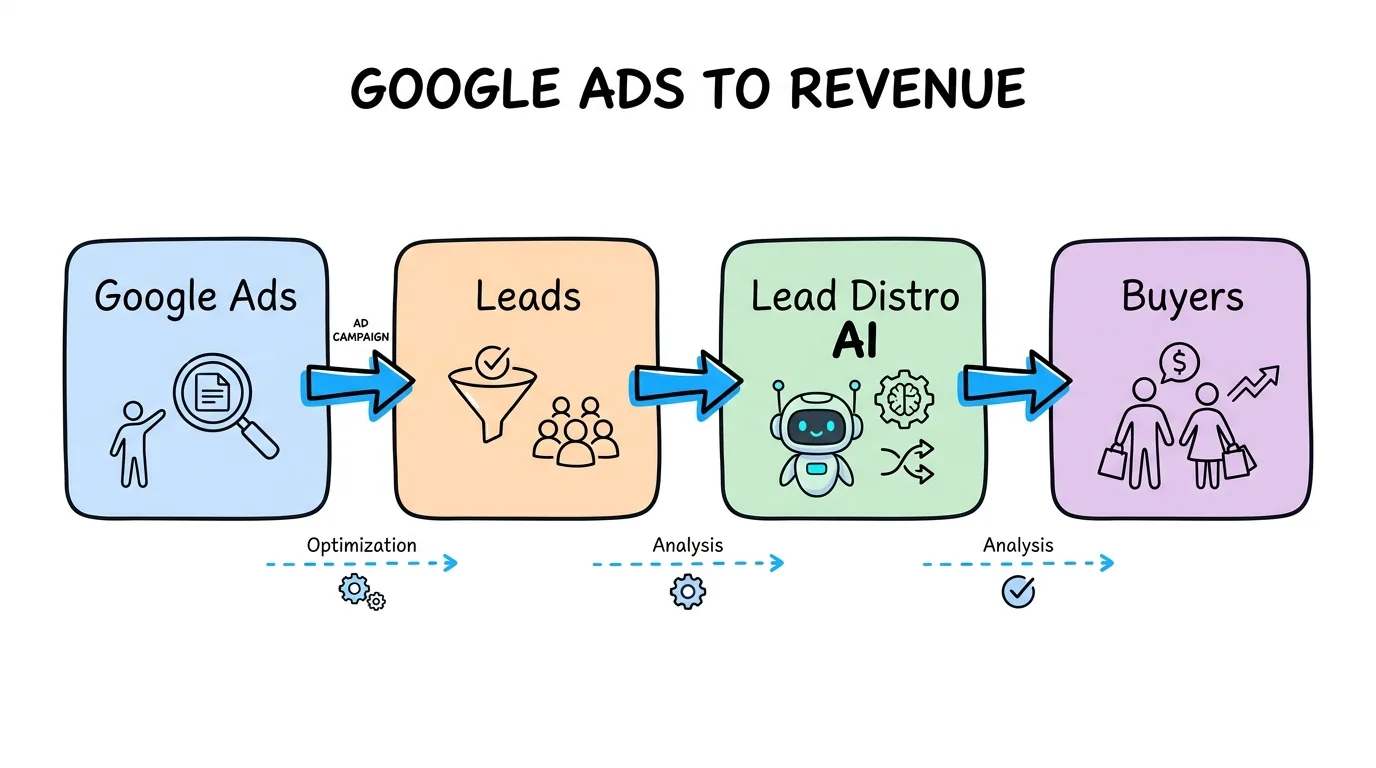
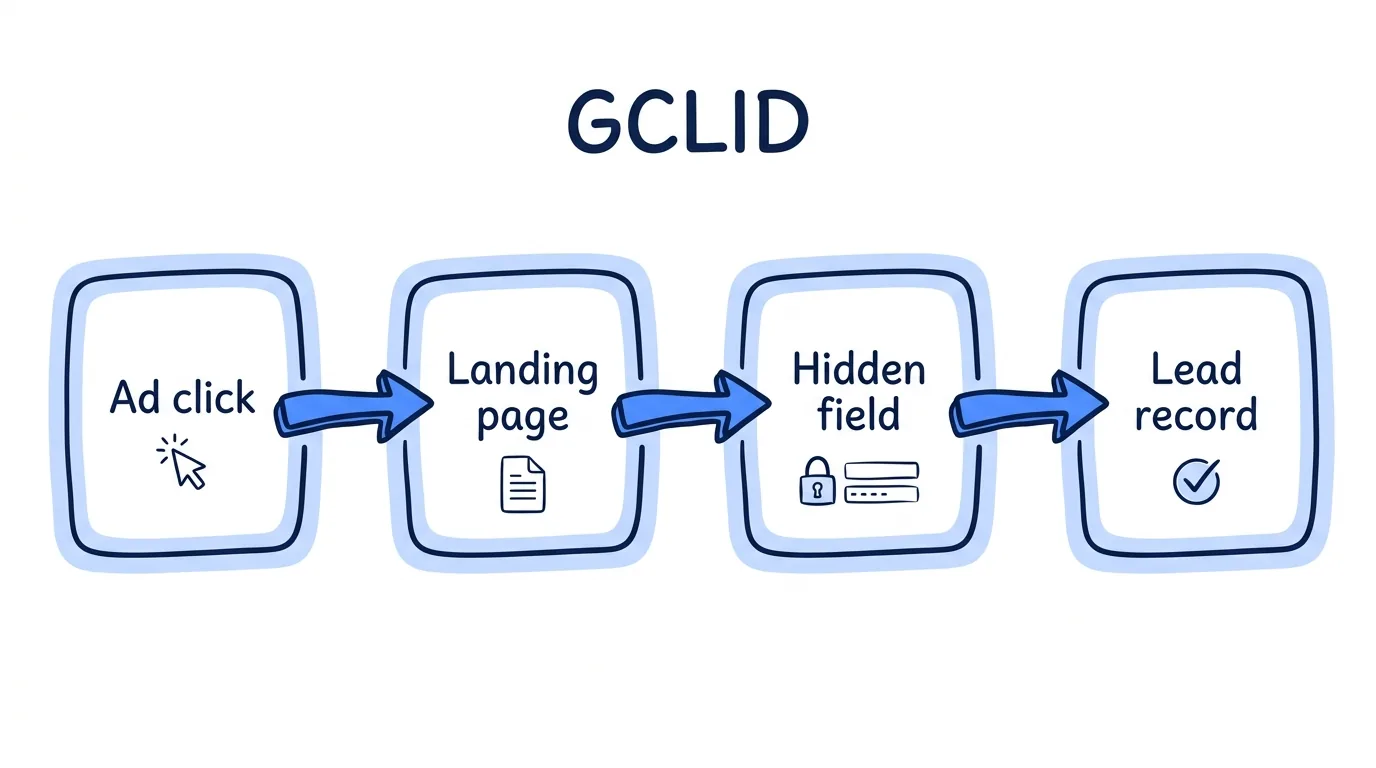
For a lead seller, the hard part is not the meaning of the code. It is keeping the Google click ID alive for the whole trip: ad click, landing page, form, lead record, and final outcome. This guide shows the hidden-field pattern that captures it, the reasons it goes missing, and what to do with it afterward. It sits inside our Google Ads for lead generation playbook.
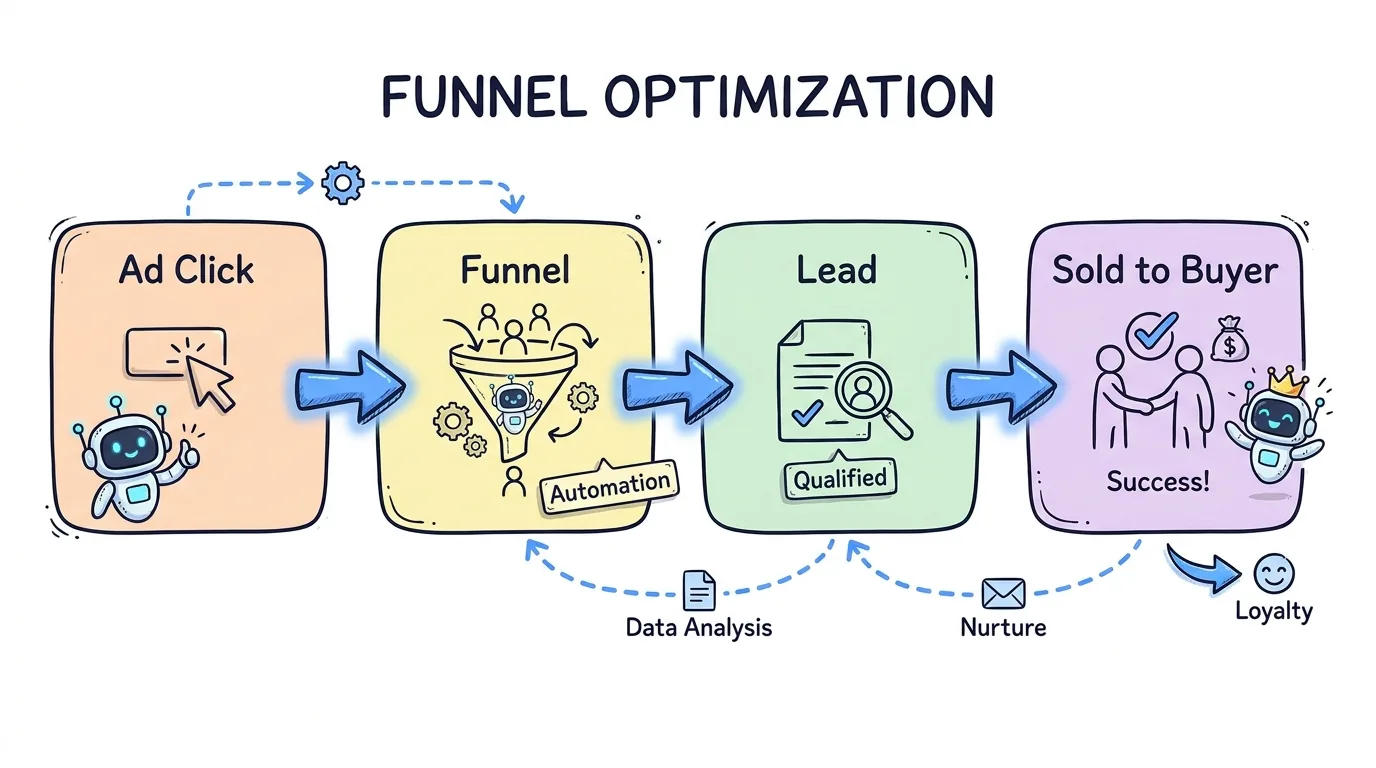
The bottom line: Turn on auto-tagging, copy the click ID from the URL into a hidden form field, store it on the lead record, and never let a redirect or form step drop it. A lead without its click ID cannot be tied back to the ad that paid for it.
Key Takeaways
- A GCLID is a per-click ID. Google Ads writes it into the landing page URL through auto-tagging, and it links a visit to one ad click.
- Capture is a hidden field. Read the parameter on page load, save it, and write it into a hidden input so it posts with every lead.
- Most losses are self-inflicted. Redirects that drop parameters, multi-step forms, and short-lived storage are the usual culprits.
- Case matters. Google says the value is case sensitive, so never lowercase, trim, or re-encode it.
- The ID only pays off when it travels. Keep it on the lead record so outcomes can flow back to Google Ads later.
What Is a GCLID and Why Google Adds It
The GCLID meaning is simple: it is a receipt number for an ad click. Auto-tagging is the Google Ads setting that creates it. After someone clicks, auto-tagging appends the parameter to the final URL, so a click on www.example.com lands on www.example.com/?gclid=123xyz. Google states that auto-tagging is now on by default for new accounts, and that it is needed to track conversions on all browsers and to import conversion data from external systems such as a CRM (About auto-tagging).
If a Google Analytics tag is on the page, Google stores the value in a cookie on your site's domain. That is how Google Ads and Google Analytics 4 stay linked. It is also why reports can look healthy while your own lead database has no idea which ad produced a given lead. Smart Bidding can only learn from conversions it can match to a click, and this ID is the match key.
How to Capture the GCLID in a Hidden Form Field
The pattern has three parts: read the value, store it, and post it. Here is the smallest version that works on a plain landing page form.
<input type="hidden" name="gclid" id="gclid" value="" />
<script>
  var param = new URLSearchParams(window.location.search).get("gclid");
  if (param) {
    document.cookie = "gclid=" + encodeURIComponent(param) +
      "; max-age=" + 60 * 60 * 24 * 90 + "; path=/; SameSite=Lax";
  }
  var saved = document.cookie.match(/(?:^|; )gclid=([^;]*)/);
  if (saved) {
    document.getElementById("gclid").value = decodeURIComponent(saved[1]);
  }
</script>
Three details matter more than the code. First, let a newer click overwrite an older one, because the latest click is the one that earned the lead. Second, keep the stored copy at least as long as your sales cycle. Google's offline import docs describe click-to-conversion windows of 14 or 90 days depending on the data source (Set up offline conversions using GCLID). Third, do not transform the value. An uppercase or trimmed copy will fail to match when you upload it.
Name the field gclid in every form, funnel, and webhook, so one downstream system can map it without a custom rule per source. In Lead Distro AI, leads and calls carry a gclid value, and the Google Ads conversion settings let you choose which lead field holds it.
Why the GCLID Goes Missing
Most missing values come from the page, not from Google. This table lists the common causes and the matching fix.
| Cause | What happens | Fix |
|---|---|---|
| Auto-tagging is off | No parameter is ever added to the URL | Turn auto-tagging on in account settings |
| Redirect drops query strings | The visitor lands on a clean URL | Pass the full query string to the final page |
| Multi-step or multi-page form | The value lives only on page one | Store it on load and carry it in form state |
| Short-lived storage | A returning visitor submits with an empty field | Use a first-party cookie with a long expiry |
| Consent banner blocks storage | The script waits and never saves the value | Hold it in form state, then store after consent |
| Link wrappers or server rewrites | The parameter is stripped before load | Test the live ad URL, not the bare page |
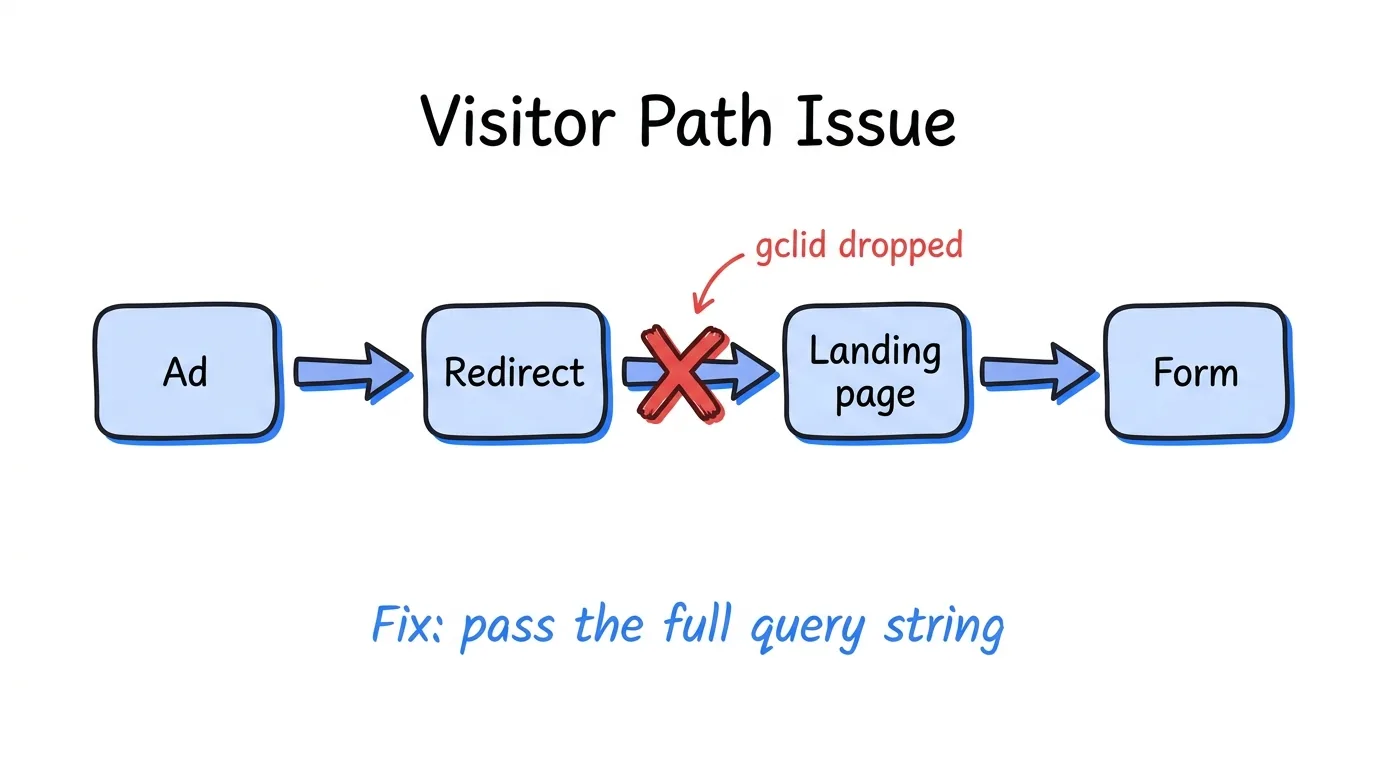
Google flags the redirect case itself: if your website uses redirects, the value must reach the final landing page or conversions will not be tracked (About auto-tagging). The fastest test is to click your own live ad, confirm gclid= is still in the address bar, submit a test lead, and check the lead record.
Privacy-preserving identifiers add one more wrinkle. Google documents a separate gbraid parameter that measures conversions in a non-unique way, without linking them to individual users (GBRAID URL parameter). Capture gbraid and wbraid in their own hidden fields when they appear.
Keeping the Click ID Through Multi-Step Forms and Ping-Post
A single-step form posts everything at once, so the hidden field just works. Multi-step forms are riskier, because the visitor may reload mid-flow. Our guide to multi-step forms for lead generation covers why they convert better. For attribution, read the value on the first step and carry it in form state until the final submit.
Routing adds a second trip. In a ping-post flow, the ping carries limited fields and the post carries the full lead. Decide up front whether the buyer needs the click ID at all. Usually they do not, and you should keep it on your own record. Sending it to a buyer who never asked adds noise and exposes how you source traffic.
For calls, the same idea works with a different mechanic. Dynamic number insertion ties a tracking number to the visitor's session, so a phone call can be credited to a keyword. The call setup is in our guide to Google Ads call tracking.
What to Do With the GCLID After You Capture It
Capture is step one. The value pays off later, once you know whether the lead was real.
- Store it on the lead record, next to the source, timestamp, and outcome.
- Record the outcome. Mark each lead disqualified, accepted, or sold. Our ad attribution for lead generation guide explains why outcomes beat form fills.
- Send the outcome back to Google Ads. Offline conversion import matches a stored value to a conversion you report. Google lists storing it with the prospect's information in your lead tracking system as a prerequisite.
- Mirror it for Meta. The Meta click ID is
fbclid, and the same hidden-field idea applies. The server-side loop is in Meta Conversions API for lead generation, and the product side is on the Meta integration page.
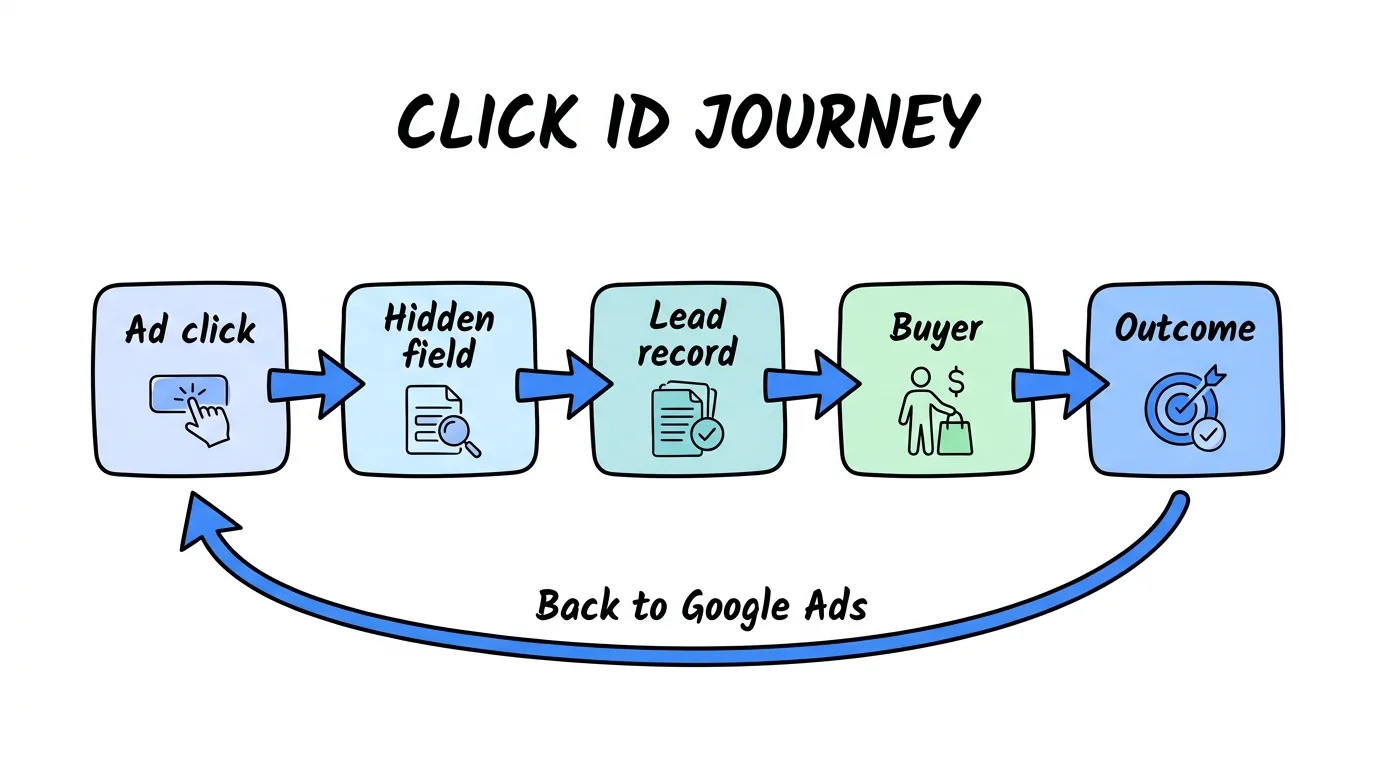
A bidding algorithm that only sees form fills rewards cheap clicks. One that receives accepted-lead outcomes learns what a buyable lead looks like.
GCLID vs UTM Parameters
UTMs are labels you write by hand, such as source and campaign, and they describe a channel. The GCLID is an ID Google generates per click. Google notes that you can tag destination URLs with UTM parameters if you do not want Analytics and Google Ads integrations, but that in GA4 auto-tagging takes priority over manual tagging (About auto-tagging). Capture both: UTMs help you read a report, and the click ID lets Google credit a conversion.
FAQ
What is a GCLID?
A GCLID, or Google Click Identifier, is a unique parameter that Google Ads appends to your landing page URL after someone clicks an ad. It appears as gclid= followed by a long code. Google uses it to link a website visit to the specific click, so conversions can be credited to the right campaign, ad group, and keyword. It requires auto-tagging, which is on by default for new accounts. If you sell leads, it is the key that ties a lead back to the ad spend that produced it.
How do I find my GCLID?
Click your own live ad and look at the address bar on the landing page, where the gclid= value is part of the URL. For real leads, the reliable way is a hidden form field that copies the value into the lead record on submit. Then you read it from your lead data instead of hunting through URLs after the fact, when the visitor has long since left the page. Never retype it by hand, because it is case sensitive and a single changed letter breaks the match.
Can I see a GCLID in Google Ads?
Google Ads records the value for each click it tracks, and it appears in the click view report. Most lead sellers do not rely on that report for lead-level work. They store the value from their own landing page at the moment of submission, because that copy sits beside the lead's contact details and outcome, which Google Ads cannot see. Your copy is also the one you will use when you report outcomes back to Google Ads later.
Why is my GCLID empty?
An empty field usually means one of four things: auto-tagging is off, a redirect dropped the query string, a multi-step form lost the value between pages, or your script ran before the page had finished loading the parameter. Test with your live ad URL, not the bare landing page address. If the address bar shows gclid= but the field is empty, the problem is in your capture script, not in Google Ads. Fix the script first, then retest with a fresh click, because an old URL may no longer carry the parameter.
Does Lead Distro AI capture the GCLID?
Lead Distro AI keeps a gclid value on lead and call records, and its Google Ads conversion settings let you choose which lead field holds it. The hidden-field pattern in this guide works with that, because the form posts the value like any other field. Start a 7-day trial (credit card required) and test it end to end with one live campaign before you scale spend, so you can confirm the value lands on the record.
Conclusion
The GCLID is a small string with a large job. It connects a Google Ads click to the lead it produced, and it only works if your pages, forms, and routing keep it intact. Turn on auto-tagging, capture it in a hidden field, store it on the lead record, and test the live ad URL after every redirect change. Once the ID is reliably on every lead, you can report outcomes back to Google Ads and bid on sold leads instead of form fills.
Want every lead to keep its click ID from form to buyer outcome? Start a 7-day free trial (credit card required, cancel anytime during the trial) and route your first lead in minutes.
About the Author
Founder & CEO of Lead Distro AI & Great Marketing AI
UC Berkeley graduate and former software engineer at Microsoft. Rafael built Lead Distro AI after managing over $10M in ad spend for performance marketing agencies (pay-per-lead and pay-per-call), including running campaigns for Neil Patel. He combines deep software engineering expertise with hands-on performance marketing experience to build tools that help these agencies scale profitably.
About Lead Distro AI
Capture, Route, and Sell Every Lead, Call, and Appointment
Capture, route, and sell leads, calls, and appointments from one platform, with funnels, call tracking, ping-post, and billing built in. Set it all up in minutes by chatting with AI.
Funnels
Quiz, form, appointment, VSL, and webinar templates
Call Tracking
Tracking numbers, call recordings, and per-call billing
4 Distribution Methods
Priority/Waterfall, Round Robin, Weighted, Ping-Post
Ping-Post and Live Bidding
Sell each lead and call to the highest bid
Real-Time P&L
Revenue, cost, and profit per campaign
Partner Portal
Your Destinations see their own leads and results