Lead Generation KPIs for Pay-Per-Lead and Pay-Per-Call Agencies
Lead generation KPIs for agencies that sell leads and calls: cost, revenue and margin per lead, sold rate, return rate, cost per billable call, and a dashboard.

Rafael Hernandez
Founder & CEO
Ex-Microsoft SWE · $10M+ PPL ad spend
I hope you enjoy reading this blog post. If you want to try Lead Distro AI for free, click here.
Author: Rafael Hernandez | Founder & CEO of Lead Distro AI
Last Updated: October 26, 2026
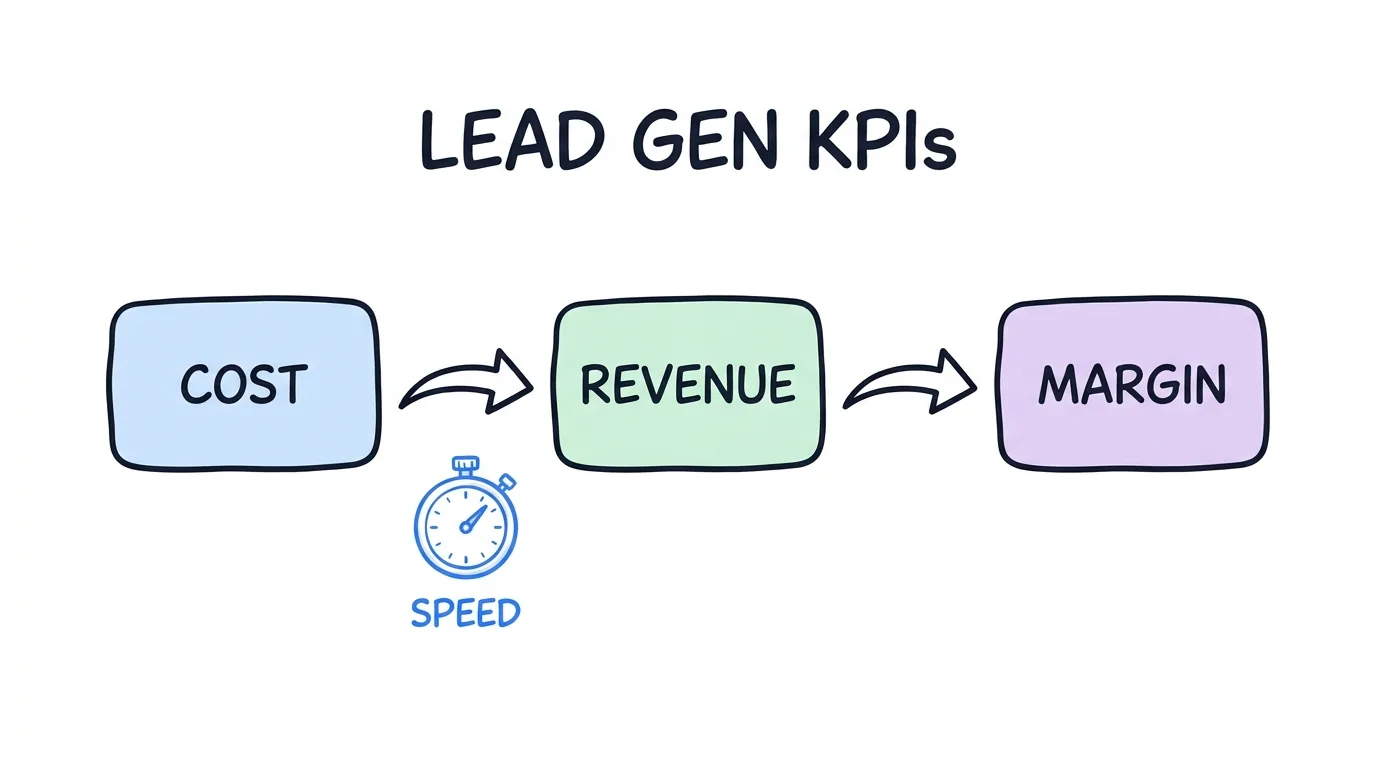
The lead generation KPIs that matter for an agency selling leads or calls are unit economics: cost per lead, revenue per lead, margin per lead and per buyer, sold rate, return rate, contact rate, cost per billable call, buyer cap fill rate, and speed to lead. Track each by source, creative, and buyer, not as one blended average.
Most KPI lists online are written for in-house B2B teams counting MQLs and SQLs. That framing breaks when you buy traffic, sell the output to buyers, and live on the spread. Media is not getting cheaper either: the LocaliQ 2026 search advertising benchmarks put the all-industry Google Ads cost per lead at $66.69, and $131.63 for attorneys and legal services. At those prices, a two-point drift in sold rate or return rate decides whether a source makes money. This guide gives each KPI a formula, the reason it matters, and the move to make when it changes.
In short: measure what each lead or call cost you, what a buyer paid and kept paying for it, and how fast it moved. Everything else is a diagnostic for those three numbers.
Key Takeaways
- Agencies that sell leads need unit economics, not funnel stages. MQL and SQL counts do not tell you whether a source made money after returns.
- Margin per lead is the KPI that decides budget. A cheaper source with a higher return rate can earn less per lead than a pricier, cleaner one.
- Calls need their own KPIs. Cost per billable call and average call duration against the buyer threshold matter more than raw call count.
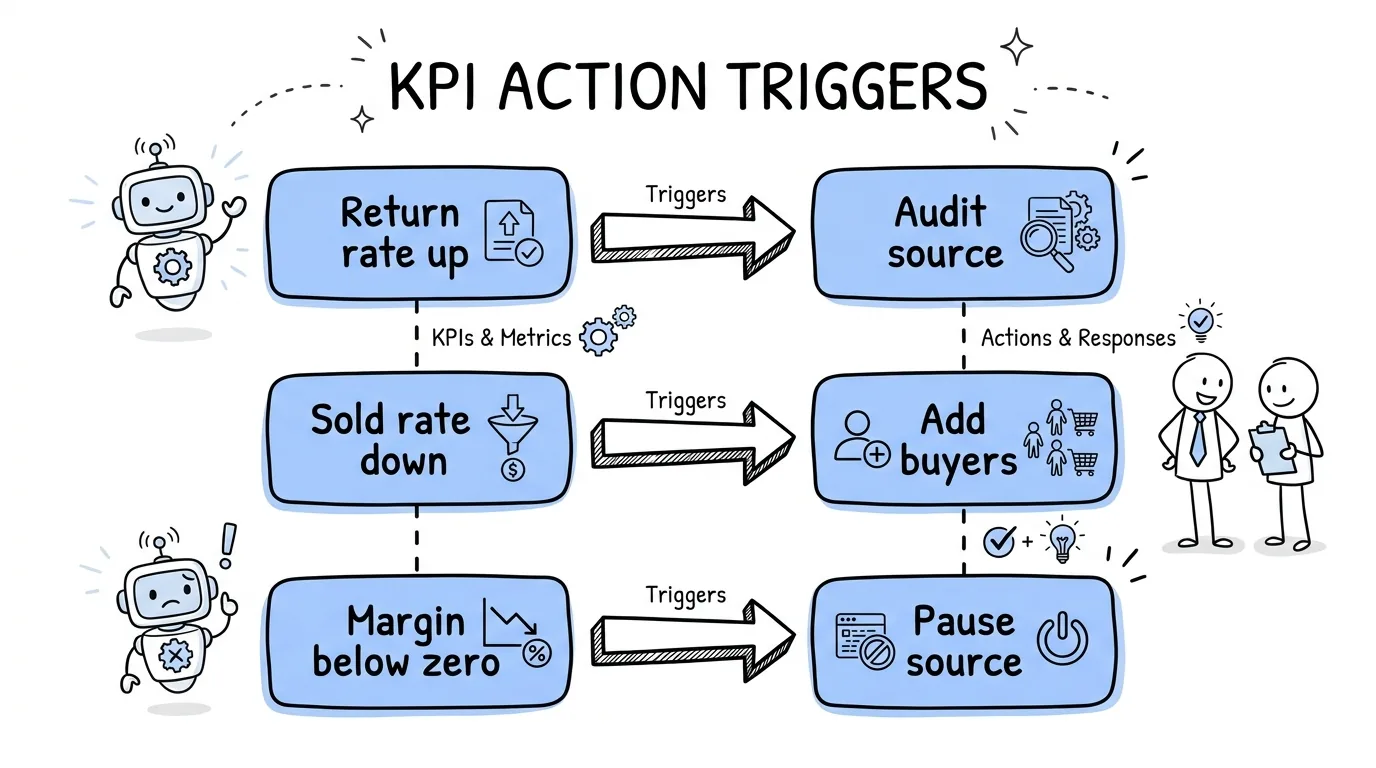
- Every KPI needs an action trigger. A number with no "if it moves, do this" rule is a report, not a KPI.
- One screen beats five spreadsheets. Cost, revenue, returns, and caps belong in the same view, filtered by source, creative, and buyer.
Why Agencies That Sell Leads Need Different KPIs
The top-ranking guides on lead generation metrics assume one company generates a lead and its own sales team closes it. Their KPIs follow that path: website conversion rate, MQL to SQL rate, customer acquisition cost, lifetime value.
A pay-per-lead or pay-per-call agency runs a two-sided business. On one side it buys clicks, impressions, or publisher traffic. On the other it sells each lead or qualified call to a law firm, insurance agent, solar installer, or contractor, often under a daily cap and a return policy. The profit is the spread between those two sides, minus what buyers send back.
That changes which lead generation KPIs carry weight. "Lead volume" looks healthy while a buyer quietly returns a quarter of one source's leads. "Conversion rate" means little when the buyer, not you, does the closing. What you need is a view of every lead as a small P&L: what it cost, what it sold for, whether the sale stuck, and how long it took. Our lead reporting software for agencies guide covers the reporting layer; this page defines the lead generation metrics that layer should show.
The Lead Generation KPI Table: Formula, Why It Matters, Action Trigger
These are the core lead generation KPIs for a seller. Each one should be filterable by source, campaign, creative, vertical, state, and buyer.
| KPI | Formula | Why it matters | When it moves, do this |
|---|---|---|---|
| Cost per lead | Media or publisher spend / leads received | Your input cost | Rising: check CPC and landing page conversion before cutting bids |
| Revenue per lead | Revenue billed / leads received | What the traffic is worth to buyers | Falling: look for unsold leads or a buyer price drop |
| Margin per lead | (Revenue billed minus credits) minus cost, divided by leads | The budget decision | Negative for 3+ days: pause or reweight the source |
| Sold rate | Leads sold / leads received | How much of the traffic buyers accept | Falling: tighten filters or add buyers for the unsold segment |
| Return rate | Leads returned / leads sold | Hidden margin leak | Above your contract terms: audit the source and duplicate rules |
| Contact rate | Leads reached by the buyer / leads delivered | Data quality signal | Falling: check phone validation and lead age |
| Speed to lead | Time from submit to delivery and first buyer contact | Conversion decays by the minute | Over 5 minutes: fix routing or buyer hours |
| Cap fill rate | Leads delivered / buyer daily cap | Demand you are leaving unfilled | Under 80% by afternoon: shift volume or raise bids |
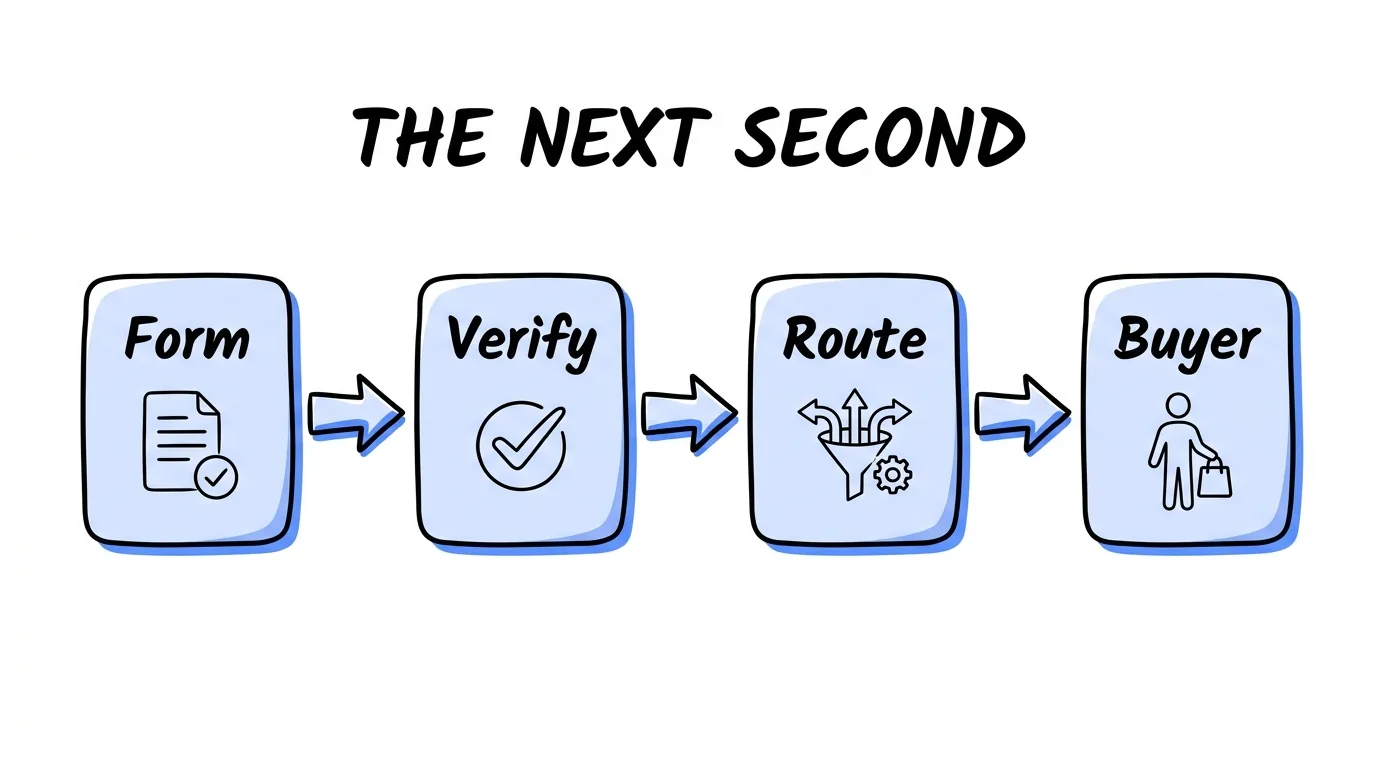
Speed to lead deserves its spot. The Lead Response Management Study, run with MIT professor James Oldroyd across more than 15,000 leads, found a 21-fold drop in the odds of qualifying a prospect when response time went from 5 to 30 minutes. Harvard Business Review reported that the average company took 42 hours to respond. See our full guide to speed to lead for the routing side.
How to Calculate Cost Per Lead on the Seller Side
The cost per lead formula for a seller is simple: total spend for a source divided by the leads that source produced. If a Facebook campaign spent $6,000 and produced 200 leads, the cost per lead is $30.
The mistake is stopping there. Learning how to calculate cost per lead is only one third of the math. A seller also needs revenue per lead (what buyers were billed, divided by leads received) and margin per lead (revenue after return credits, minus cost, divided by leads). Cost per lead tells you what you paid. Margin per lead tells you whether to keep paying it.
Two habits keep the cost per lead formula honest. First, pull spend from the ad account on the same date range as the leads, so a late-day spend spike is not counted against yesterday's leads. Second, compute it per source and per creative, not just per campaign. A campaign average can hide one ad set that costs twice as much as the rest. For the revenue side and the return on ad spend view, see our guide to ROI and ROAS tracking.
Lead KPIs vs Call KPIs
Pay-per-call agencies sell a different unit, so the lead gen metrics shift. A call is only billable if it passes the buyer's rules, usually a minimum duration, a geography, and business hours.
| Dimension | Lead KPI | Call KPI |
|---|---|---|
| Unit cost | Cost per lead | Cost per billable call (spend / calls over the buyer duration threshold) |
| Quality signal | Contact rate, return rate | Average call duration vs the buyer threshold, connect rate |
| Demand limit | Buyer daily cap fill rate | Concurrency cap and hours of operation fill rate |
| Waste | Duplicates and rejected leads | Short calls, repeat callers, after-hours calls |
| Revenue | Price per sold lead | Payout per billable call |
The cost per billable call is usually much higher than the cost per raw call. If $20,000 in spend produces 1,000 calls and 600 of them clear a 90-second threshold, the raw cost is $20 per call but the billable cost is $33.33. That second number is the one to price against.
Phone traffic still converts. Invoca's 2025 buyer conversion benchmark report found that 35% of calls from digital marketing are qualified leads and that home services calls convert at 46%. "Phone conversations remain critical conversion points where revenue is won or lost," says Peter Isaacson, Chief Marketing Officer at Invoca.
Margin KPIs: Per Source, Per Creative and Per Buyer
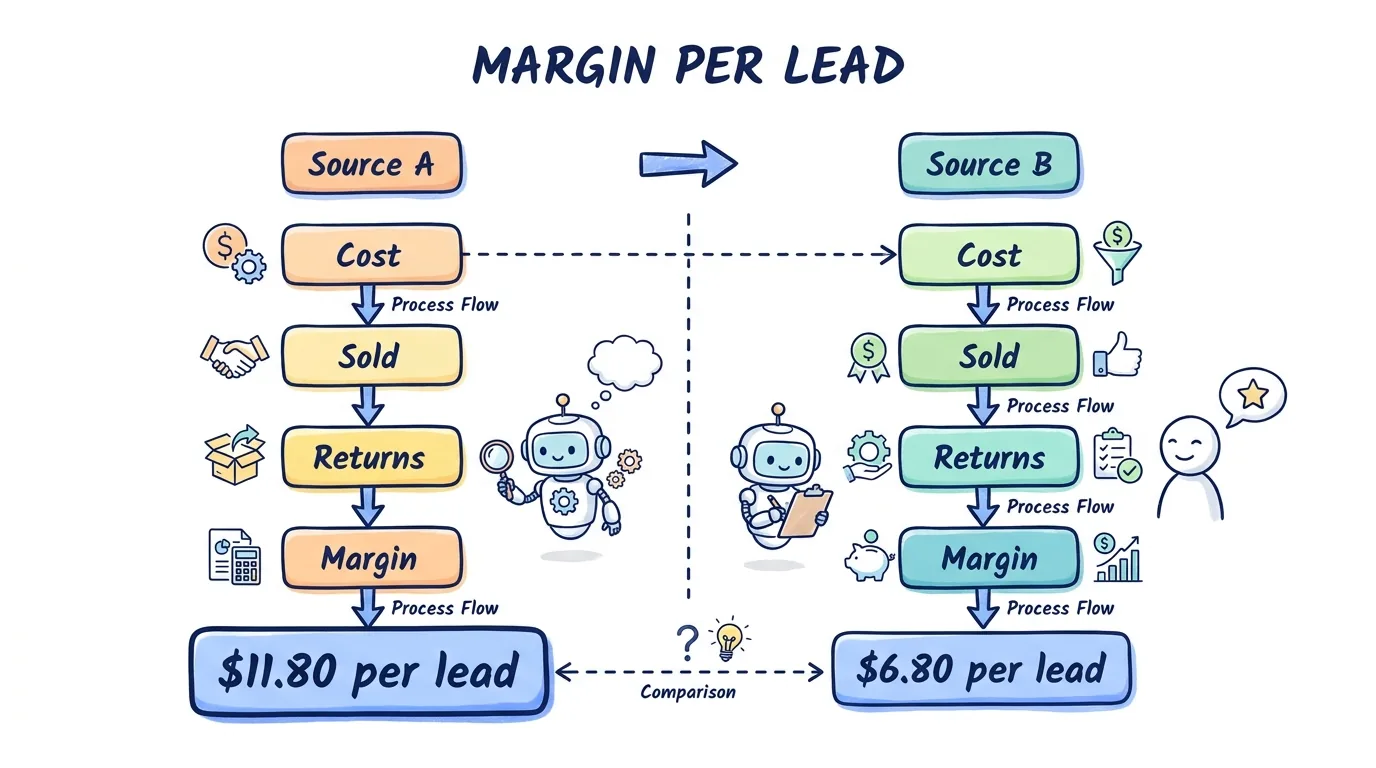
Margin is where a lead generation kpi stops being a vanity number, and of all the lead generation KPIs in this guide, it is the one that should decide budget. Here is a worked example with round numbers, built to show the math, not taken from any customer account.
| Source A | Source B | |
|---|---|---|
| Leads received | 500 | 500 |
| Cost per lead | $30 | $24 |
| Spend | $15,000 | $12,000 |
| Leads sold at $55 | 420 (84% sold rate) | 340 (68% sold rate) |
| Leads returned | 40 (9.5% return rate) | 60 (17.6% return rate) |
| Net revenue after credits | $20,900 | $15,400 |
| Margin | $5,900 | $3,400 |
| Margin per lead | $11.80 | $6.80 |
Source B looks cheaper on cost per lead. It earns $5 less per lead once sold rate and returns are counted. That gap is invisible in any report that stops at cost.
The same logic applies to creative. The ad that produces the most leads is not always the ad whose leads sell and stick, so judge creative on margin per lead, not lead count. And apply it to buyers: profit per buyer, buyer acceptance rate, and return rate per buyer show which relationships fund the business. Pair this with our guide to lead quality for the source-side checks.
A One-Screen Lead Generation Dashboard Layout
A lead generation dashboard should answer three questions without a single export: are we making money, where is it leaking, and what is about to run out. This layout puts the lead gen metrics that matter most, and every other KPI from this guide, on one screen.
| Panel | What it shows | Filter by |
|---|---|---|
| Top row | Spend, revenue, margin, and margin per lead for today vs the last 7 days | Vertical |
| Source table | Cost per lead, sold rate, return rate, margin per lead | Source, campaign, creative |
| Buyer table | Leads or calls delivered, cap fill, acceptance rate, return rate, profit per buyer | Buyer |
| Calls panel | Calls, billable calls, cost per billable call, average duration vs threshold | Campaign, buyer |
| Pacing strip | Cap fill by buyer by hour | Buyer, state |
The common failure is "disorganized tracking and reporting": spend in the ad account, revenue in the billing tool, returns in email. Lead Distro AI's real-time P&L by source, campaign and buyer stamps cost and price on each lead as it routes, so the dashboard above, and every one of these lead generation KPIs, is a filter, not a spreadsheet project. Lead scoring runs on rules you configure, so a score is always explainable to a buyer. You can see the reporting screens in the product tour.
FAQ
What is a KPI in lead generation?
A KPI in lead generation is a number you track because it tells you whether the lead business is working and what to change. For an agency that sells leads or calls, the core lead generation KPIs are cost per lead, revenue per lead, margin per lead, sold rate, return rate, contact rate, and speed to lead. A KPI needs a target, an owner, and an action trigger; without them it is just a report that nobody acts on.
What is the 5 minute rule for leads?
The 5 minute rule says a lead should be contacted within five minutes of submitting a form. It comes from the Lead Response Management Study with MIT professor James Oldroyd, which found a 21-fold drop in the odds of qualifying a prospect when response time went from 5 to 30 minutes. For a seller, that means routing must be instant, buyers must be open when leads arrive, and speed to lead belongs on the dashboard next to margin.
What is a good return rate for sold leads?
There is no published industry standard we can cite, and it varies by vertical and contract. The useful benchmark is your own: track return rate per source and per buyer, compare each to the terms in your buyer agreements, and investigate any source whose rate climbs above its own recent average. A sudden jump usually points to a bad source, duplicate leads, or a filter mismatch between what the source sends and what the buyer asked for.
How do you track KPIs for pay-per-call campaigns?
Track calls by campaign and buyer, then separate raw calls from billable calls that clear the buyer's duration, geography, and hours rules. The key KPIs are cost per billable call, average call duration against the buyer threshold, connect rate, and concurrency or cap fill. Call tracking in Lead Distro AI is usage-based, with a per-number monthly fee plus a per-minute rate for inbound calls, on top of the flat platform subscription.
What should a lead generation dashboard include?
A useful lead generation dashboard shows spend, revenue, and margin at the top, then a source table, a buyer table, a calls panel, and a pacing strip for cap fill by hour. Each view should filter by source, campaign, creative, and buyer. If you need to export to a spreadsheet to answer whether a source made money today, the dashboard is missing its most important job: showing profit by source, creative, and buyer while there is still time to act.
How many lead generation KPIs should an agency track?
Start with five that every seller needs: cost per lead, revenue per lead, margin per lead, sold rate, and return rate. Add contact rate, speed to lead, and cap fill rate once those are reliable, and add cost per billable call if you sell calls. More KPIs than you can act on each week tends to bury the signal, so give each one an owner, a target, and an action trigger, and review them on the same day every week.
Conclusion
The right lead generation KPIs for a seller follow the money: what each lead or call cost, what a buyer paid and kept, and how fast it moved. Track them per source, creative, and buyer, give each an action trigger, and put them on one screen. If you want that view without stitching spreadsheets, start a 7-day trial (a credit card is required, and you can cancel any time during the trial). Plans start at $147/mo for Call Tracking Only, with full lead distribution from $297/mo on Starter; see pricing for the full breakdown.
About the Author
Founder & CEO of Lead Distro AI & Great Marketing AI
UC Berkeley graduate and former software engineer at Microsoft. Rafael built Lead Distro AI after managing over $10M in ad spend for performance marketing agencies (pay-per-lead and pay-per-call), including running campaigns for Neil Patel. He combines deep software engineering expertise with hands-on performance marketing experience to build tools that help these agencies scale profitably.
About Lead Distro AI
Capture, Route, and Sell Every Lead, Call, and Appointment
Capture, route, and sell leads, calls, and appointments from one platform, with funnels, call tracking, ping-post, and billing built in. Set it all up in minutes by chatting with AI.
Funnels
Quiz, form, appointment, VSL, and webinar templates
Call Tracking
Tracking numbers, call recordings, and per-call billing
4 Distribution Methods
Priority/Waterfall, Round Robin, Weighted, Ping-Post
Ping-Post and Live Bidding
Sell each lead and call to the highest bid
Real-Time P&L
Revenue, cost, and profit per campaign
Partner Portal
Your Destinations see their own leads and results